
How to Invoice Clients as a Private PSW in Ontario (Free Template)
Learn how to invoice private PSW clients in Ontario. Copy a free invoice template and see a worked example for two home-care visits.
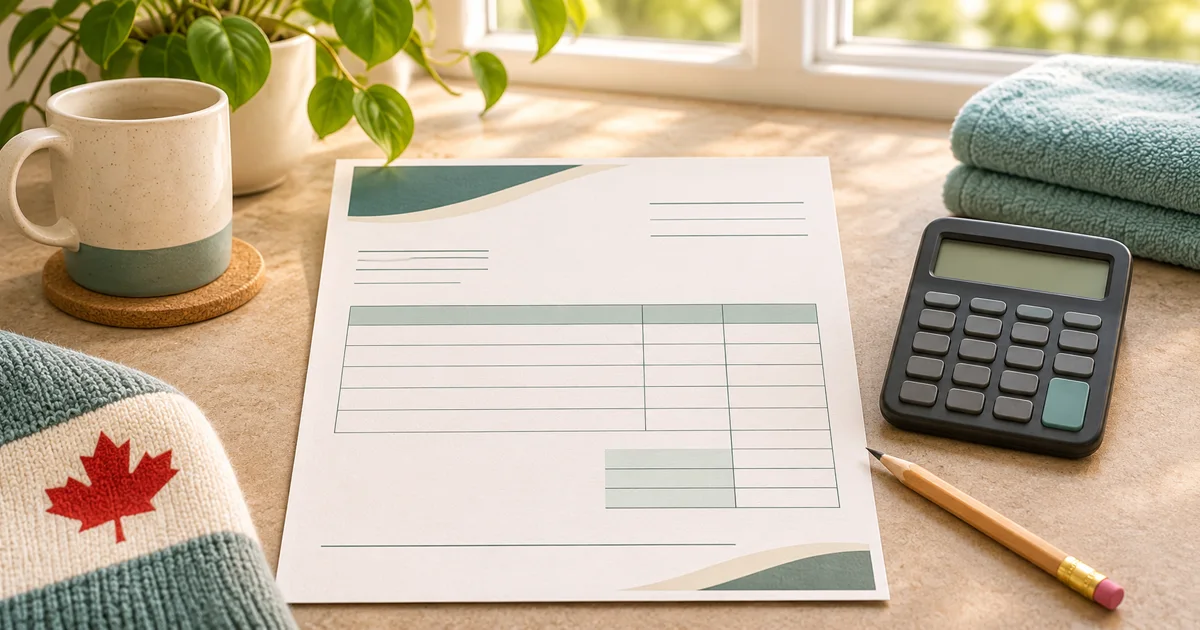
You’ve finished your visits for the week. Now the client needs an invoice they can understand at a glance: Which visits am I paying for, how much do I owe and when is payment due? A clear invoice answers all three without sending the family your care notes.
1. Start with the visits you actually worked
Open your schedule or timesheet and check each visit against the hours you worked. Then use the rate and billing terms you agreed with the client. If a visit ran long, check whether the extra time was agreed before adding it. The same goes for travel charges, supplies and cancellation fees. If a charge would surprise your client, clarify it before sending the invoice.
If you’re still deciding on rates and cancellation terms, see How to Start a Private PSW Business in Ontario.
2. Copy this private PSW invoice template
Invoice number: [e.g., 001]
Issued by: [Your business name and contact details]
Bill to: [Agreed payer name and billing details]
Invoice date: [Date issued]
Payment due: [Agreed due date]
Services
[Visit date] | [General service description] | [Hours or units] × [Agreed rate] = [Line total]
[Visit date] | [General service description] | [Hours or units] × [Agreed rate] = [Line total]
Subtotal: [Amount]
Applicable taxes: [Include only if applicable]
Payments or credits already applied: [Amount, if any]
Balance due (CAD): [Amount]
How to pay: [Agreed payment method and invoice reference]
If GST/HST applies to your invoices, use the CRA’s invoicing guidance to check what to show. Confirm the tax treatment of your particular services rather than copying it from another PSW’s invoice.
3. See how two visits look on an invoice
Fictional example: Morgan agreed to a rate of $35 per hour. The PSW worked two visits and billed only the agreed hours:
- November 10: Home support visit, 2 hours × $35 = $70.00
- November 12: Home support visit, 1.5 hours × $35 = $52.50
- Service subtotal: $122.50 CAD, before any applicable tax or credits.
The rate is for illustration, not a suggested market rate. A description like “Home support visit” lets the payer identify the charge without including diagnoses, personal-care details or information from the visit note.
4. Send it to the right person and record payment
Check that the recipient is the agreed payer, especially if someone else arranged the care. Send the invoice using the agreed method and record when it went out. When payment arrives, record the date and amount. If it’s a partial payment, show the remaining balance on any follow-up so there’s no confusion about what’s still owed.
Before you send: Check the visit dates, hours, rate, totals, due date and payment instructions. A client should be able to understand the bill without calling you to explain it.
If you’d rather generate invoices from tracked hours, PSWPro Pro’s invoicing tools let you create client-linked invoices and track payment status.